Supercharge Your Prototyping with
Pattern Painter
Drag a volume over the world you already built and paint patterns onto whatever is inside it: many meshes at once, or terrain. Preview dense patterns live, place large prefab runs in seconds, and keep every step reversible.
- Works with
- Unity 2022.3, 6000.0, 6000.3, 6000.6
- Built-in, URP, HDRP (URP on 6000.6)

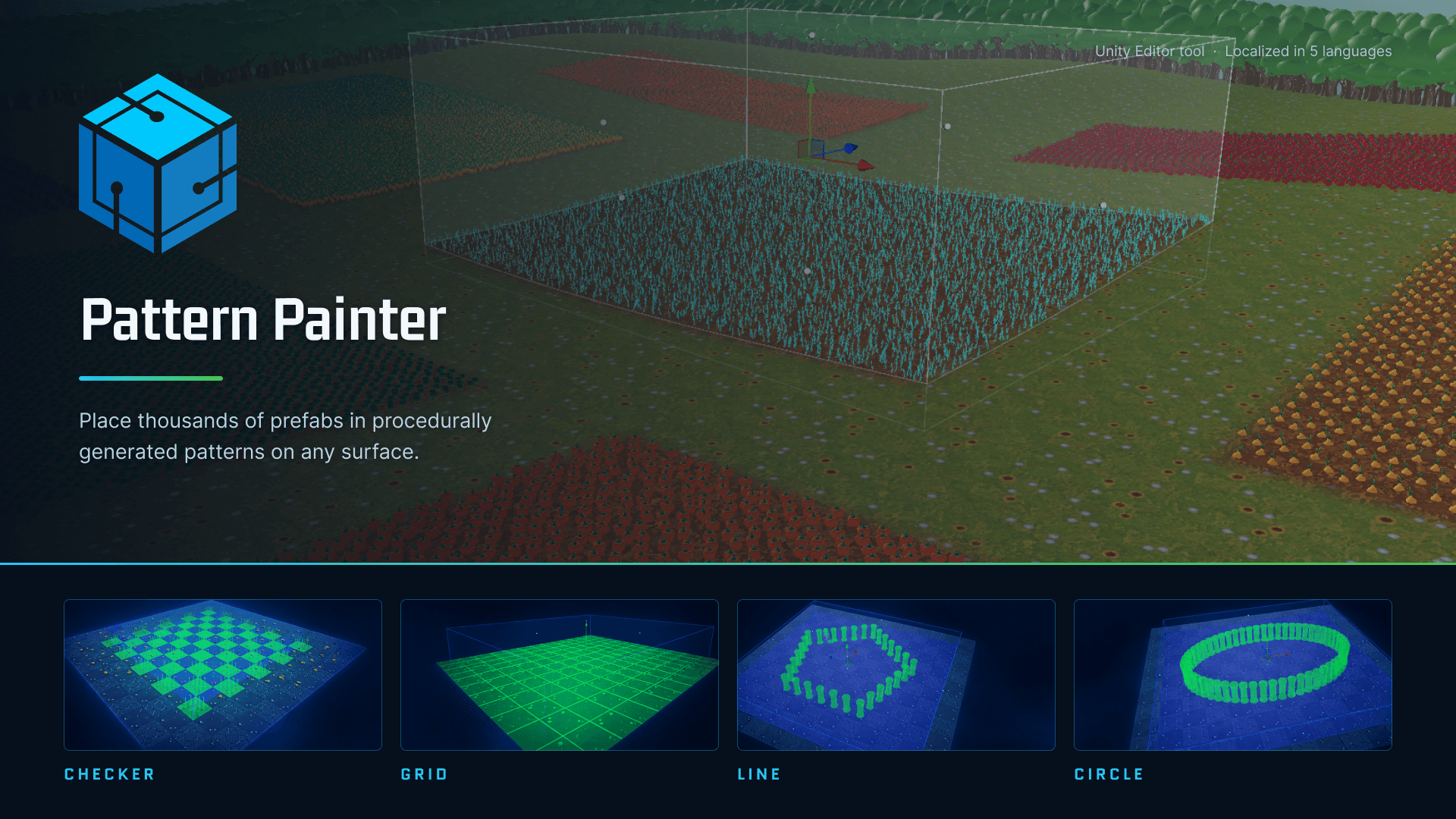
Paint Onto the World You Already Built
- Drag a box or cylinder over existing geometry: nothing is re-parented, no component is added, and no scene is dirtied
- Several meshes at once, or terrain sampled directly with no Collider required
- The volume is bounded at both ends, so you can paint one floor of a building or the ground beneath a canopy
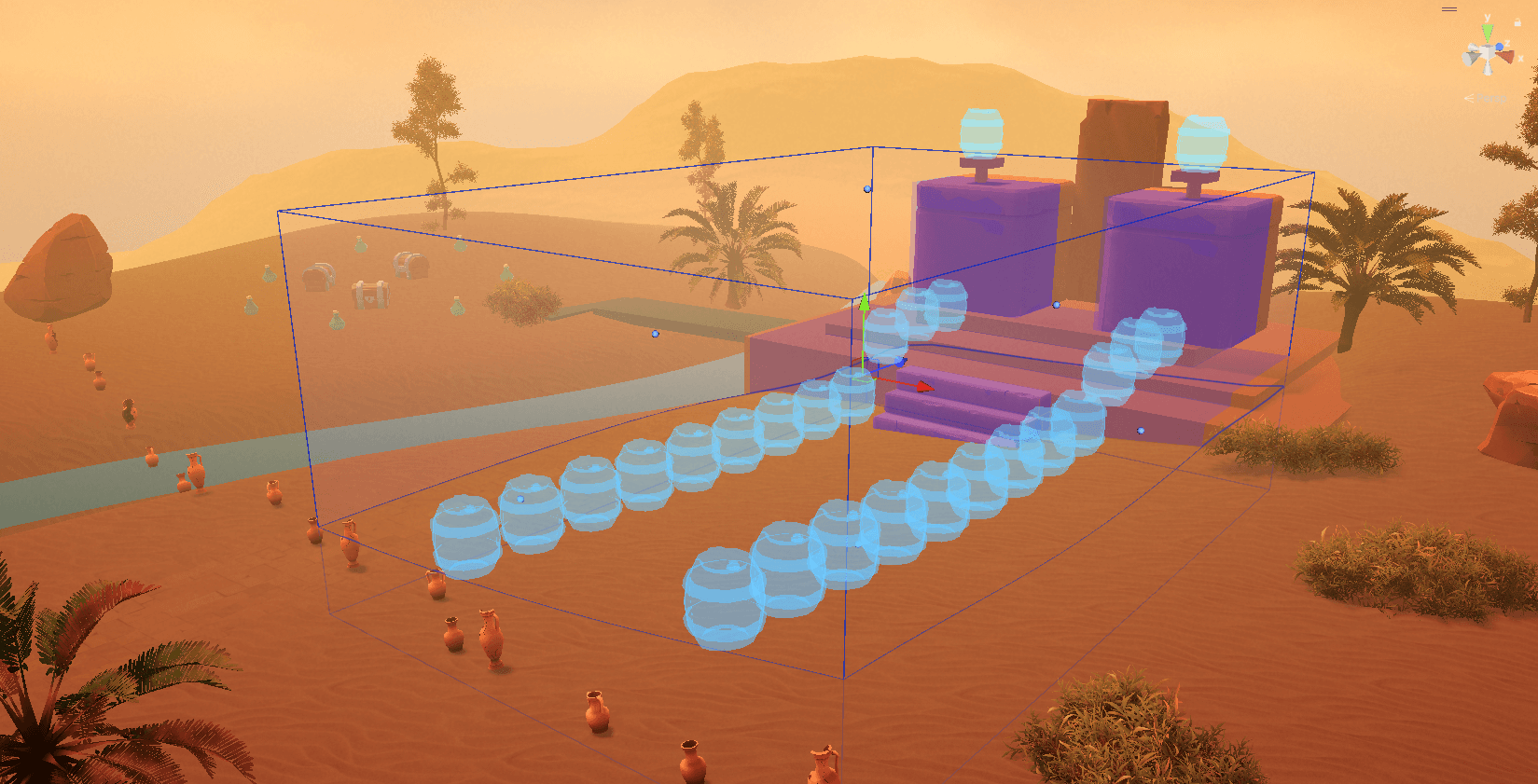
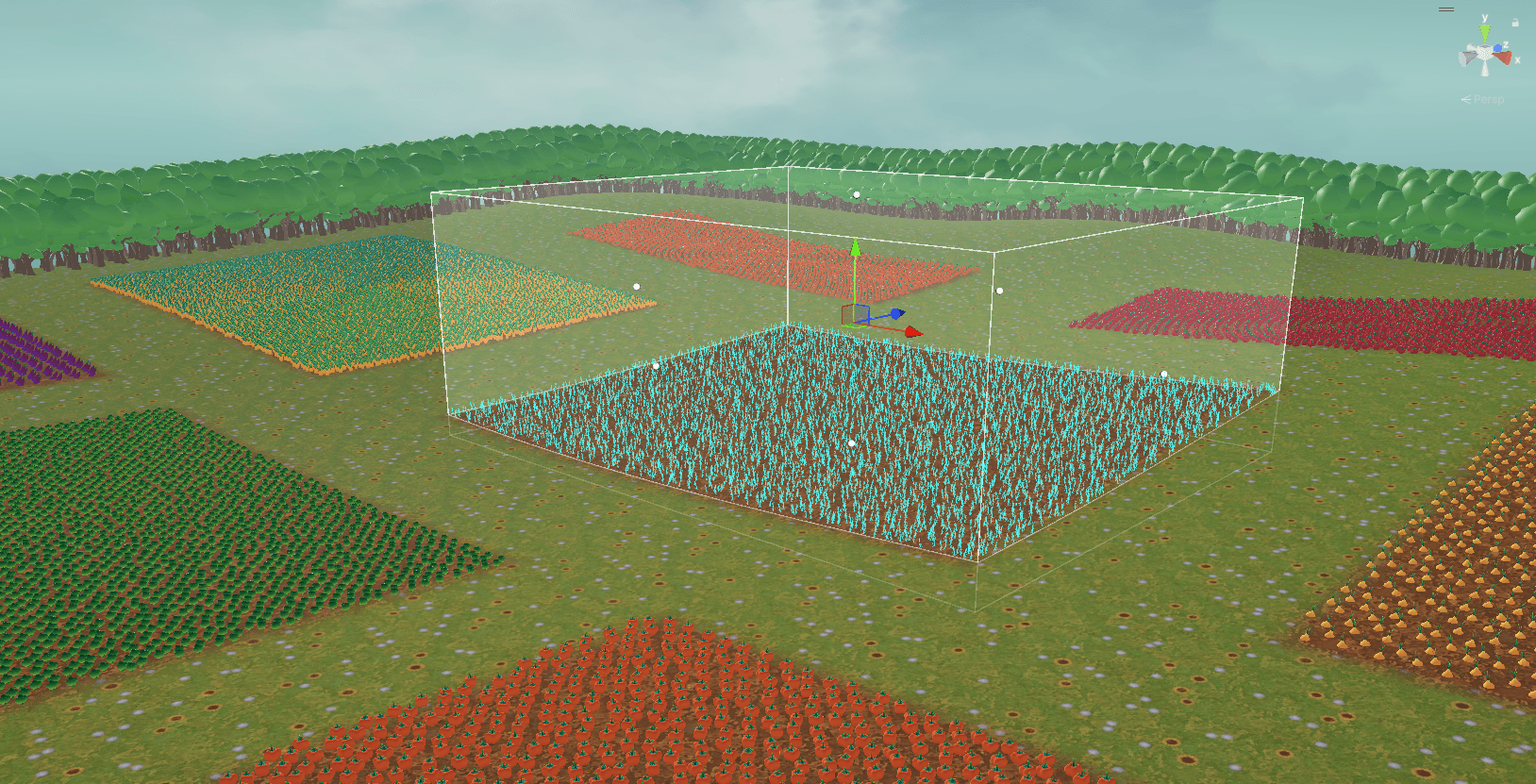
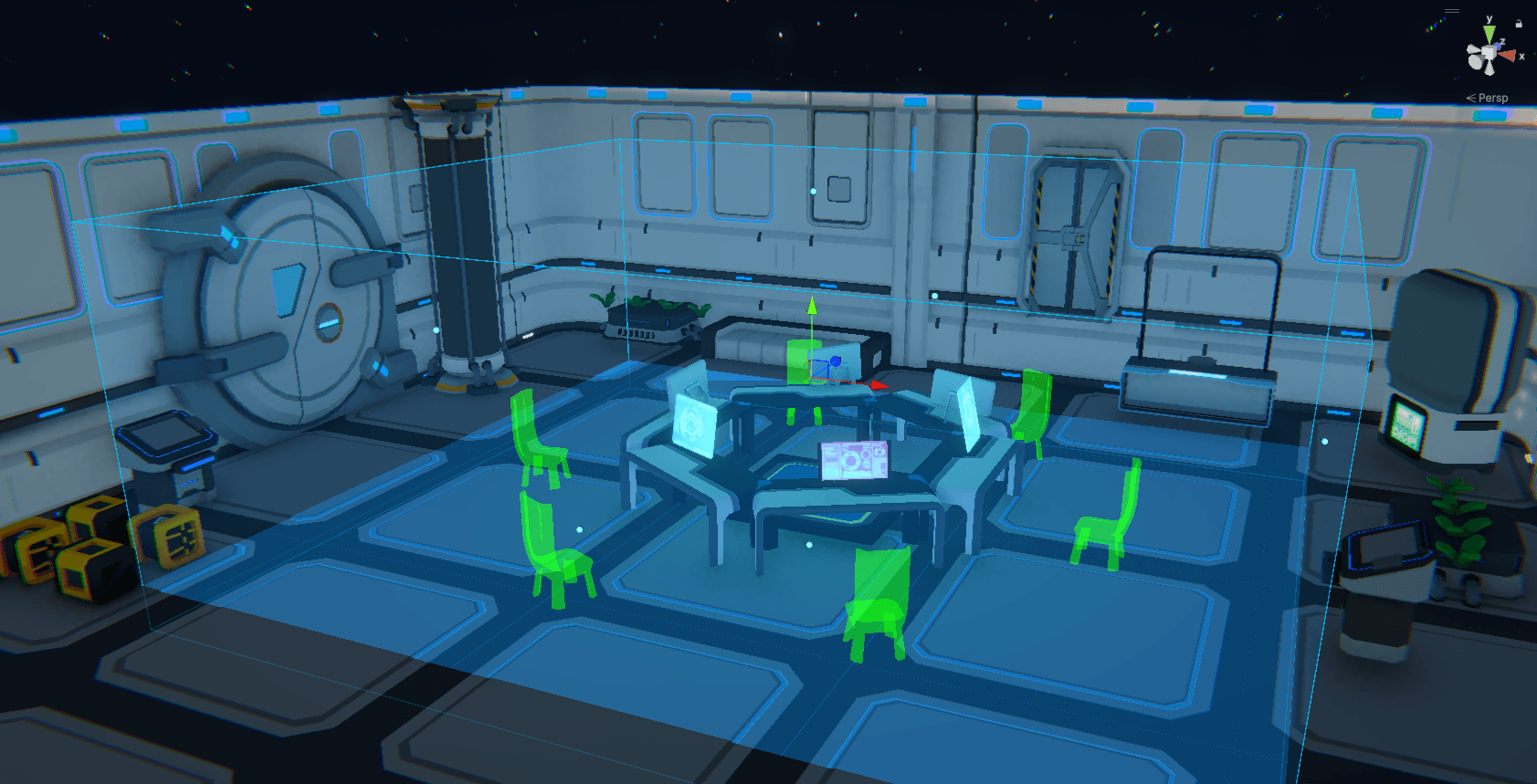
Powerful Pattern-Based Object Placement
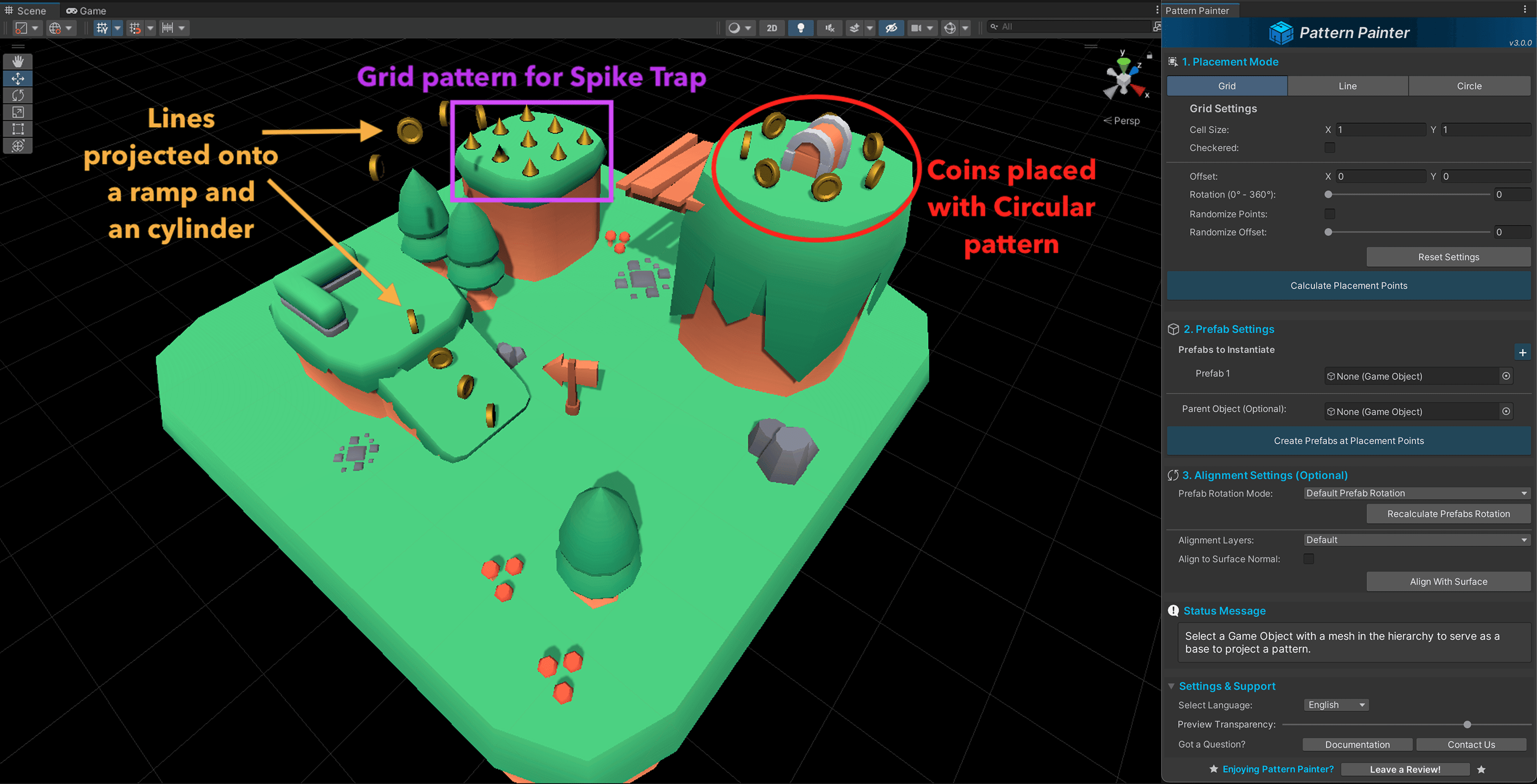
- Grids & Checkerboards - Perfect for level layouts, city grids, or building decorations
- Fit matching modular tiles edge to edge across a Paint Volume with one-click grid sizing
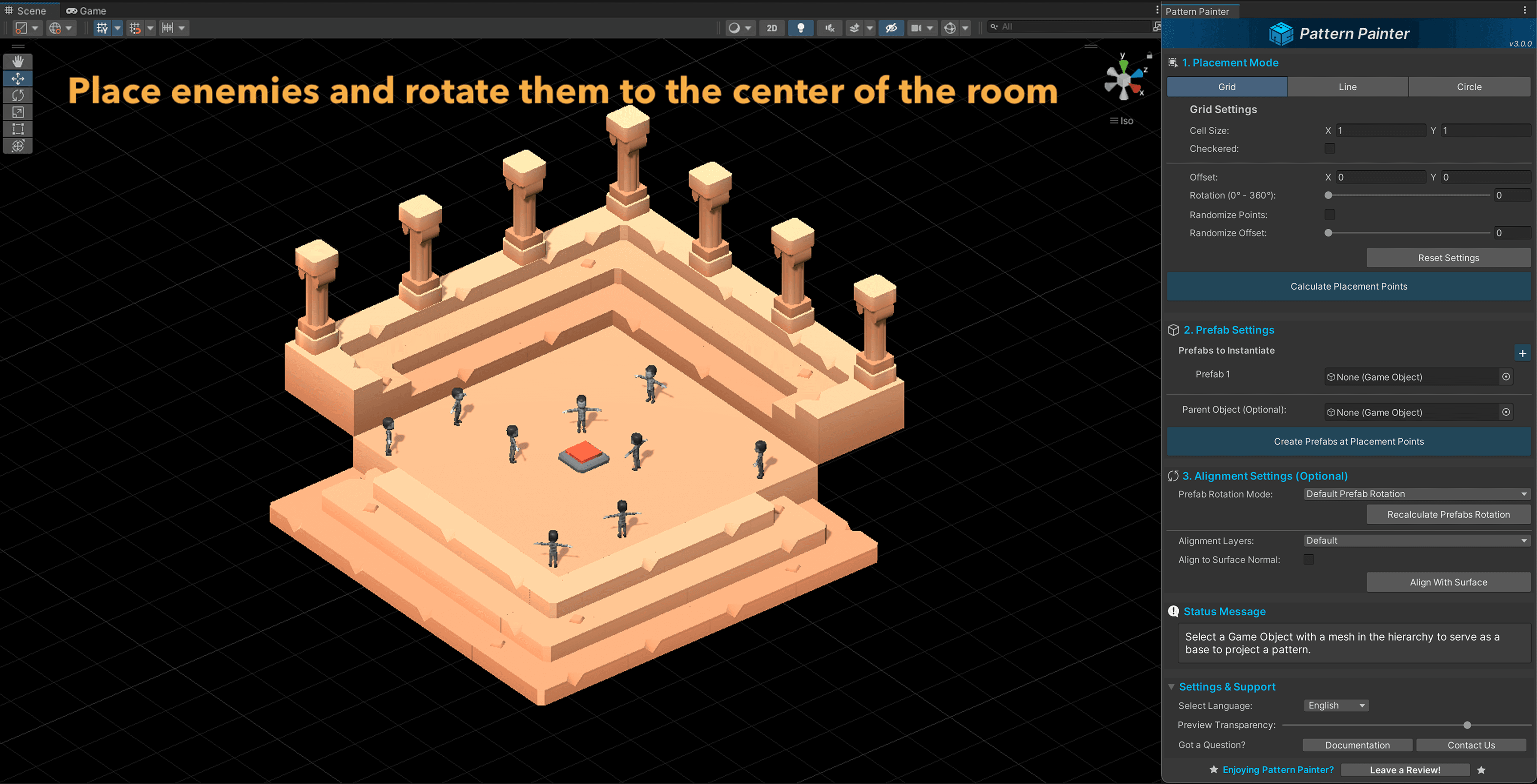
- Lines & Radial Spokes - Ideal for indicating paths, rows of enemies, or geometric formations
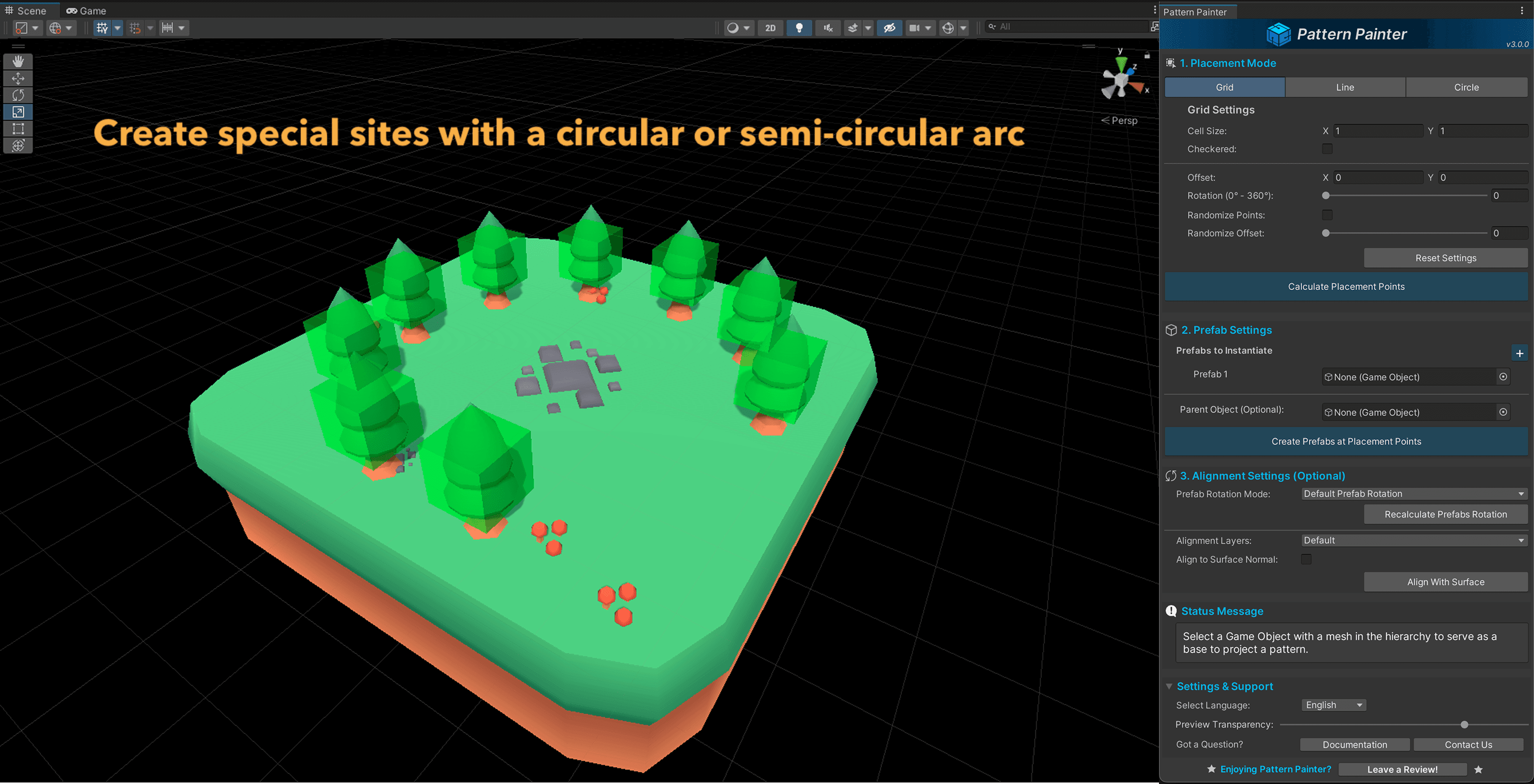
- Concentric Circles & Circular Lines - Great for arenas, ritual sites, or defense perimeters
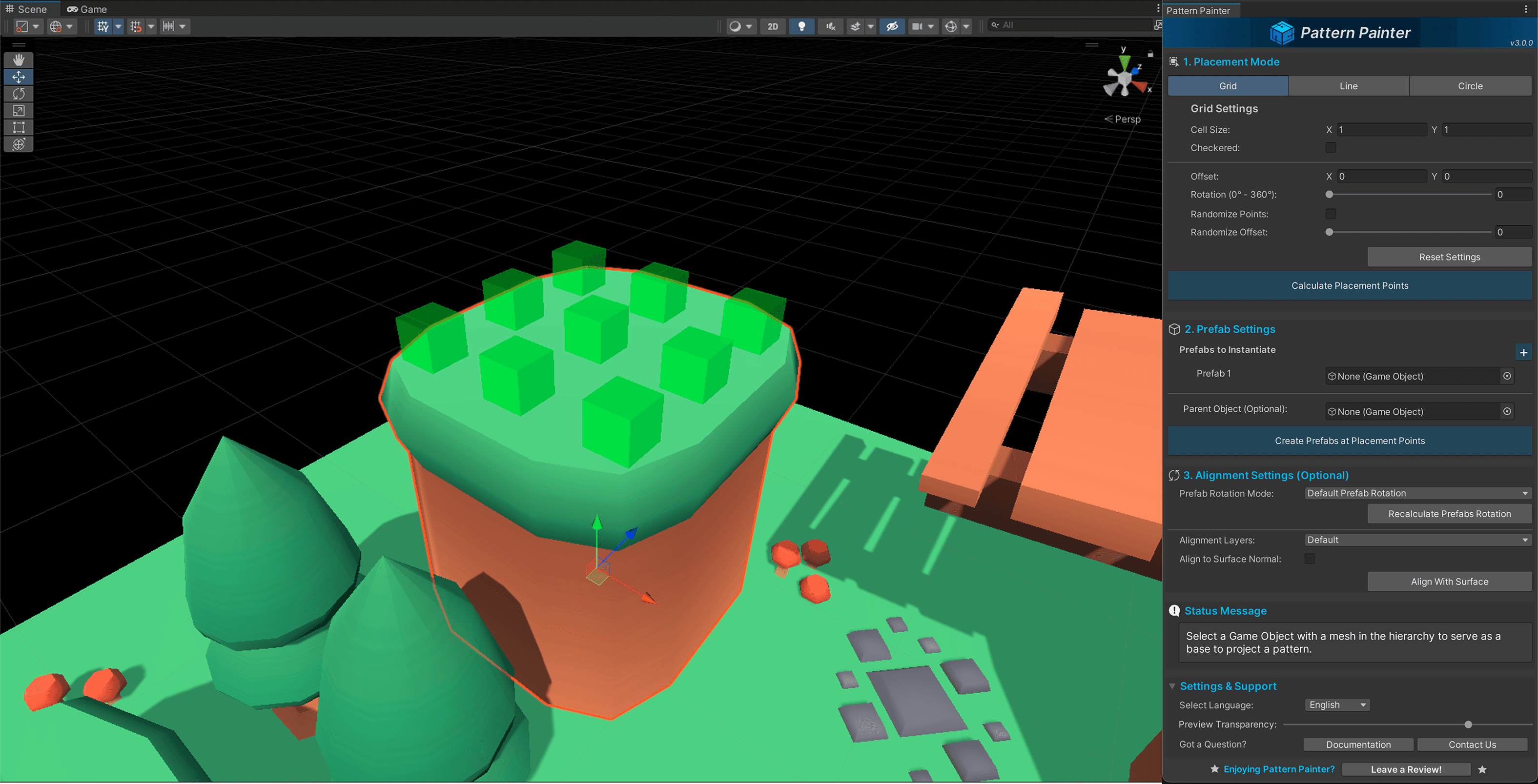
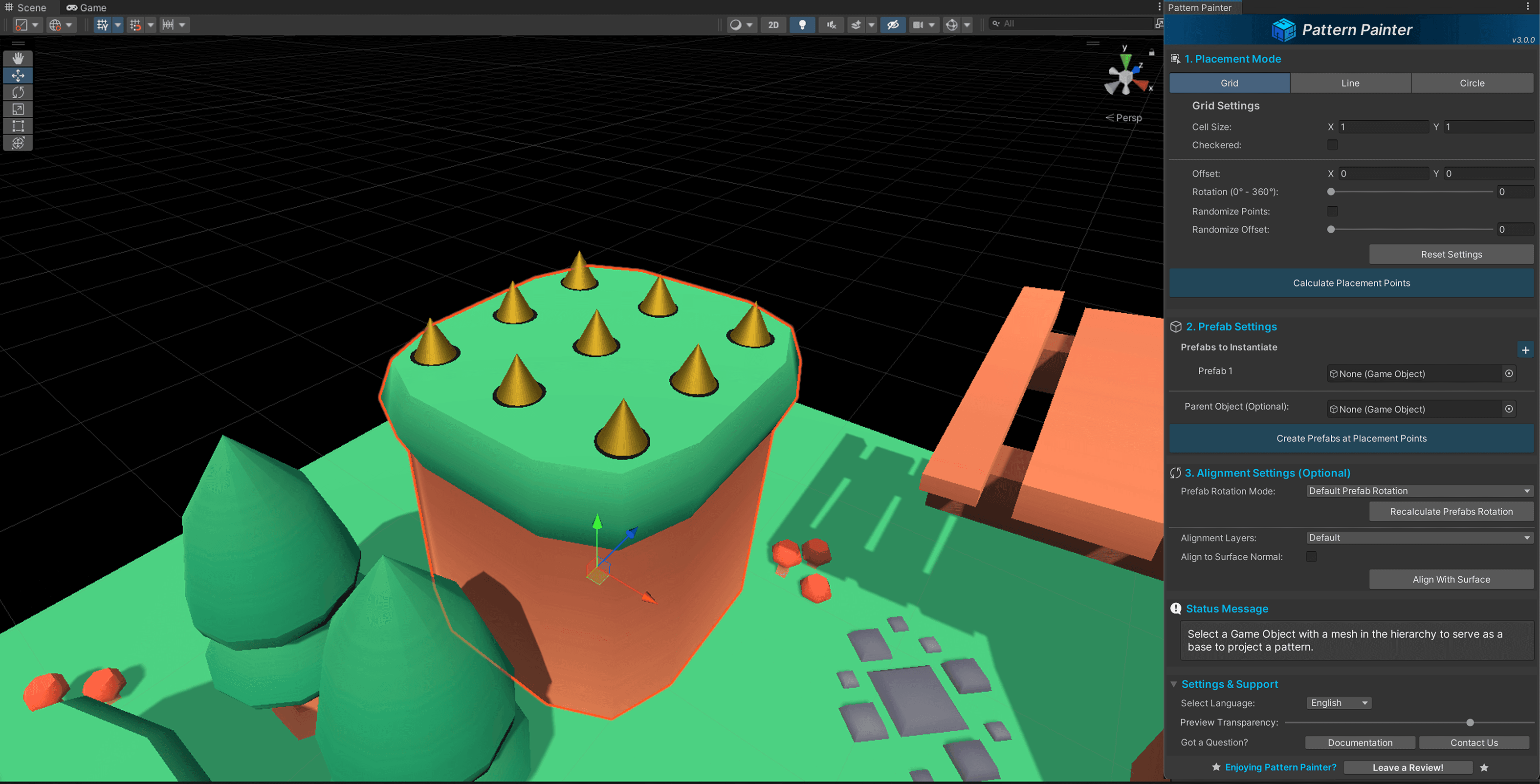
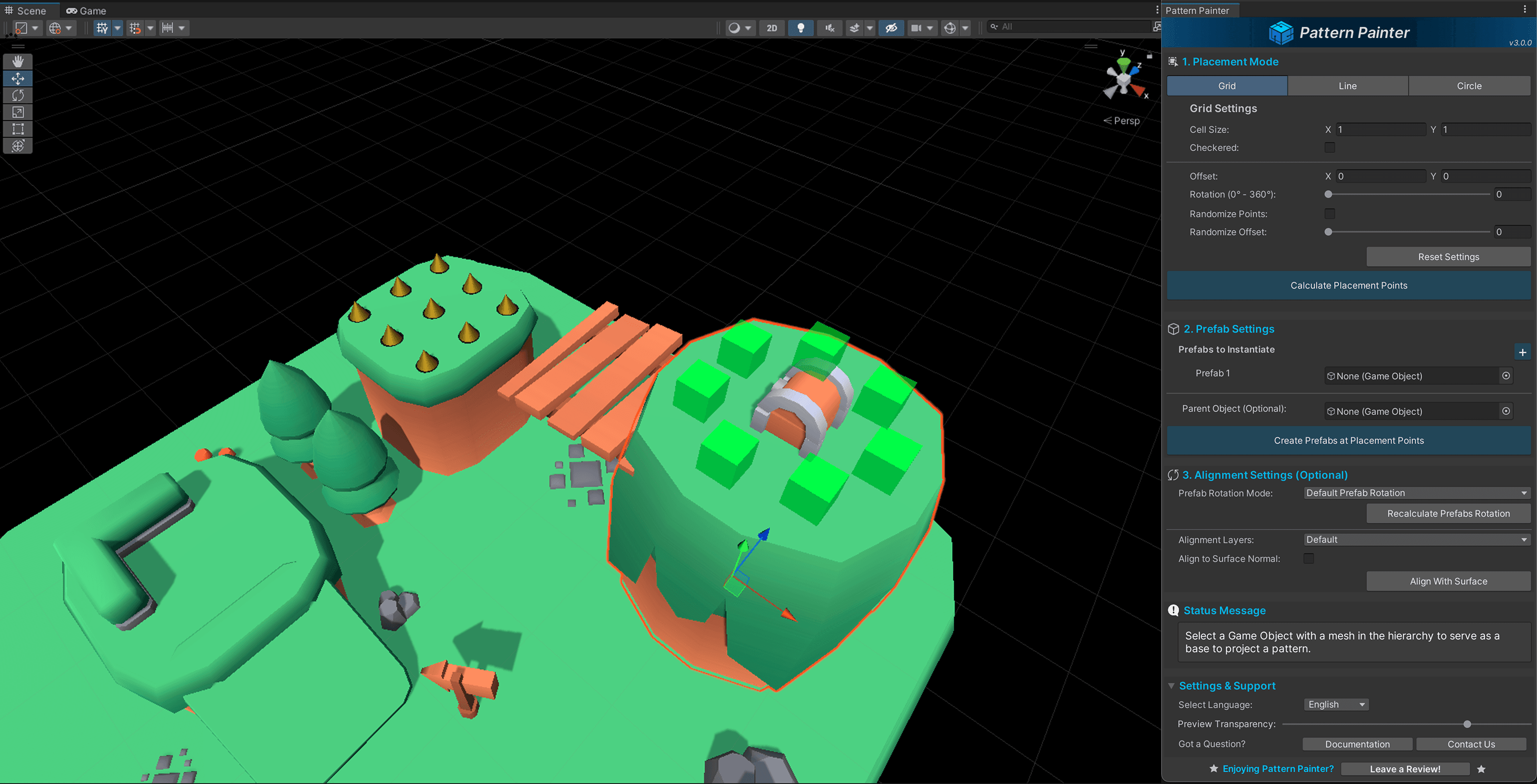
Total Control Over Placement
- Adjust pattern rotation, offset, spacing, and density
- Add randomization for a more natural look
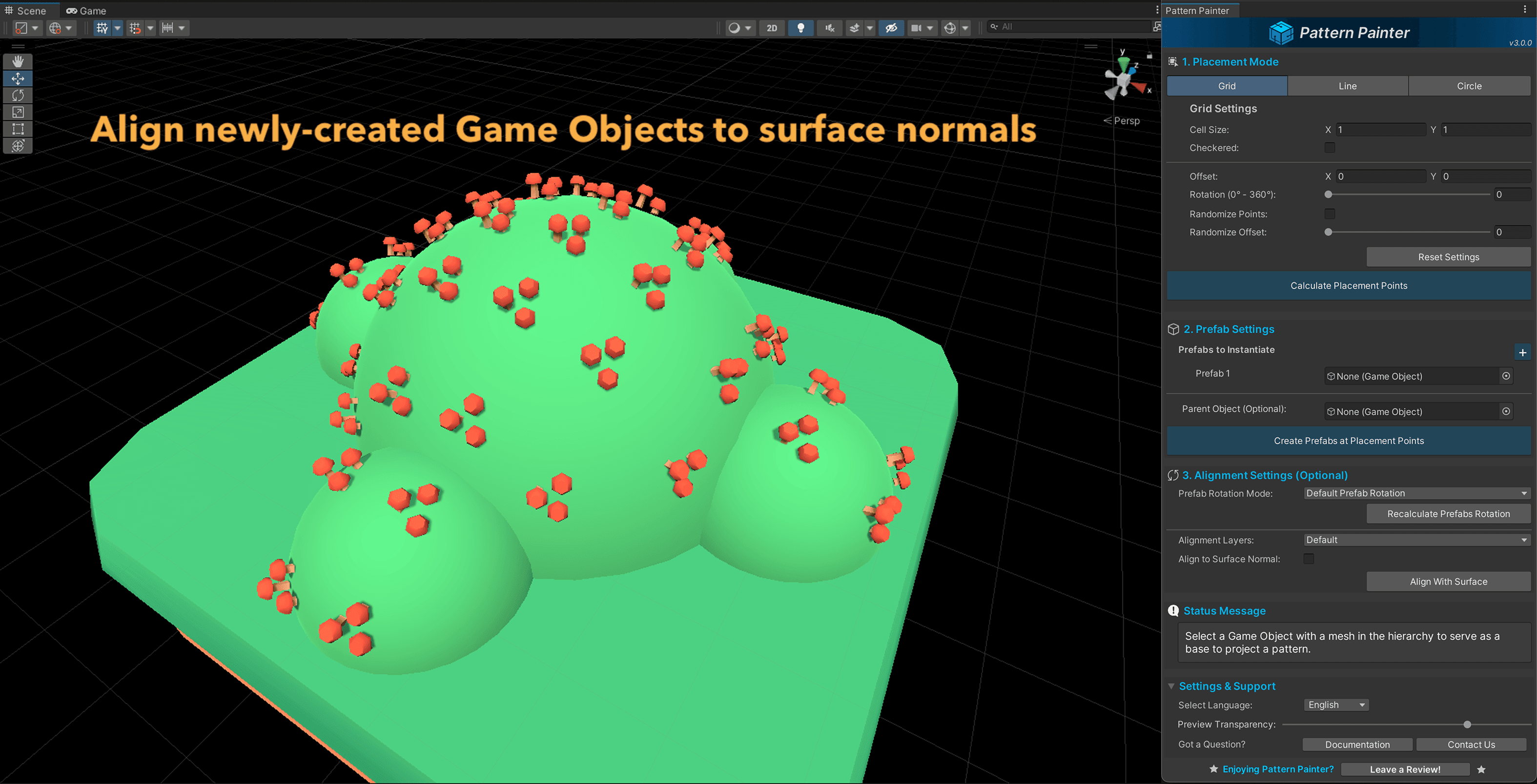
- Align objects to collider or mesh surfaces
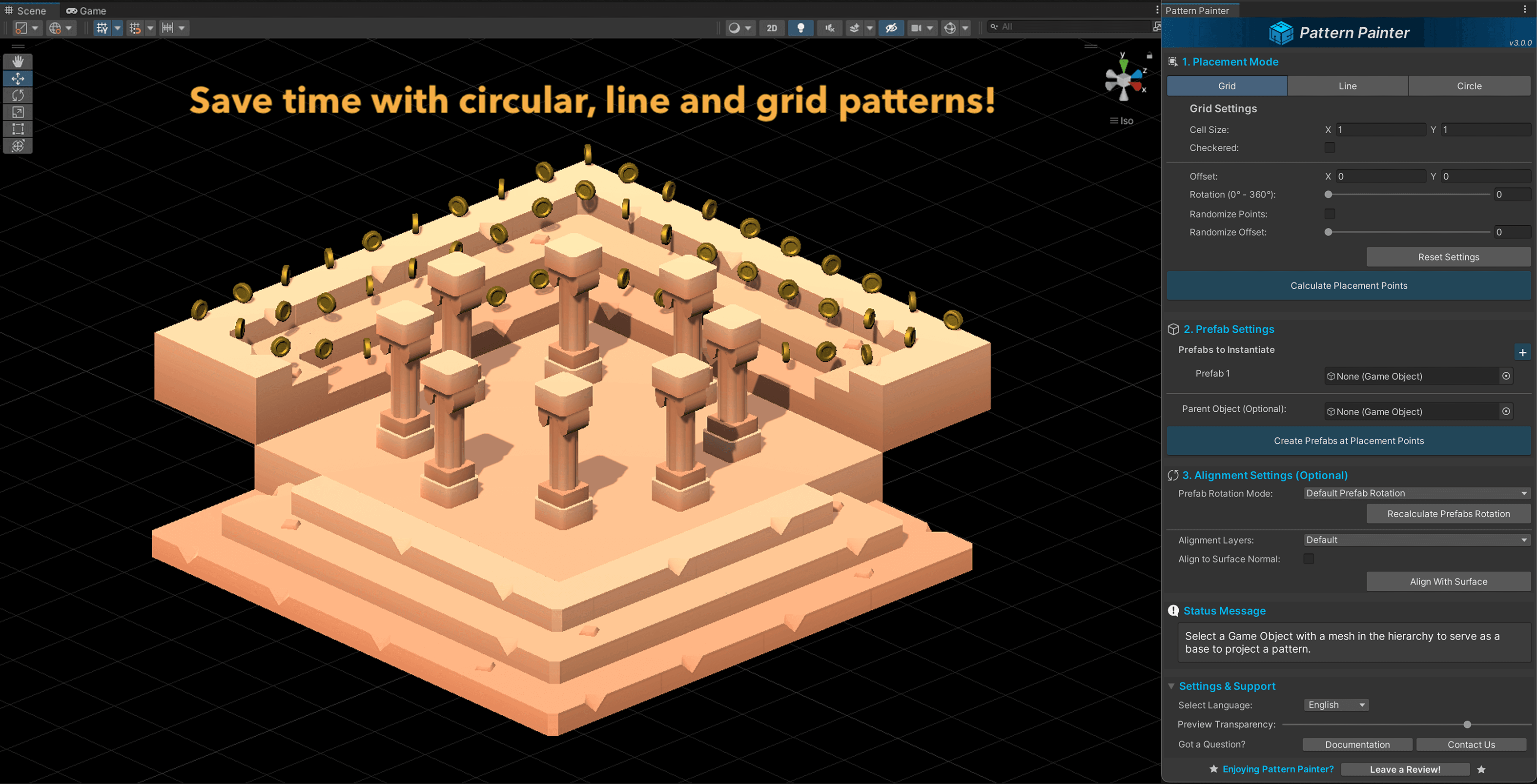
Fast, Flexible, and Built for Big Iteration
- Preview up to 50,000 placement points live before creating objects
- Undo/Redo support for creation, alignment, and rotation recalculation
- Progress and cancellation for dense generation, creation, projection, and alignment
- Status messages show previewed and created counts
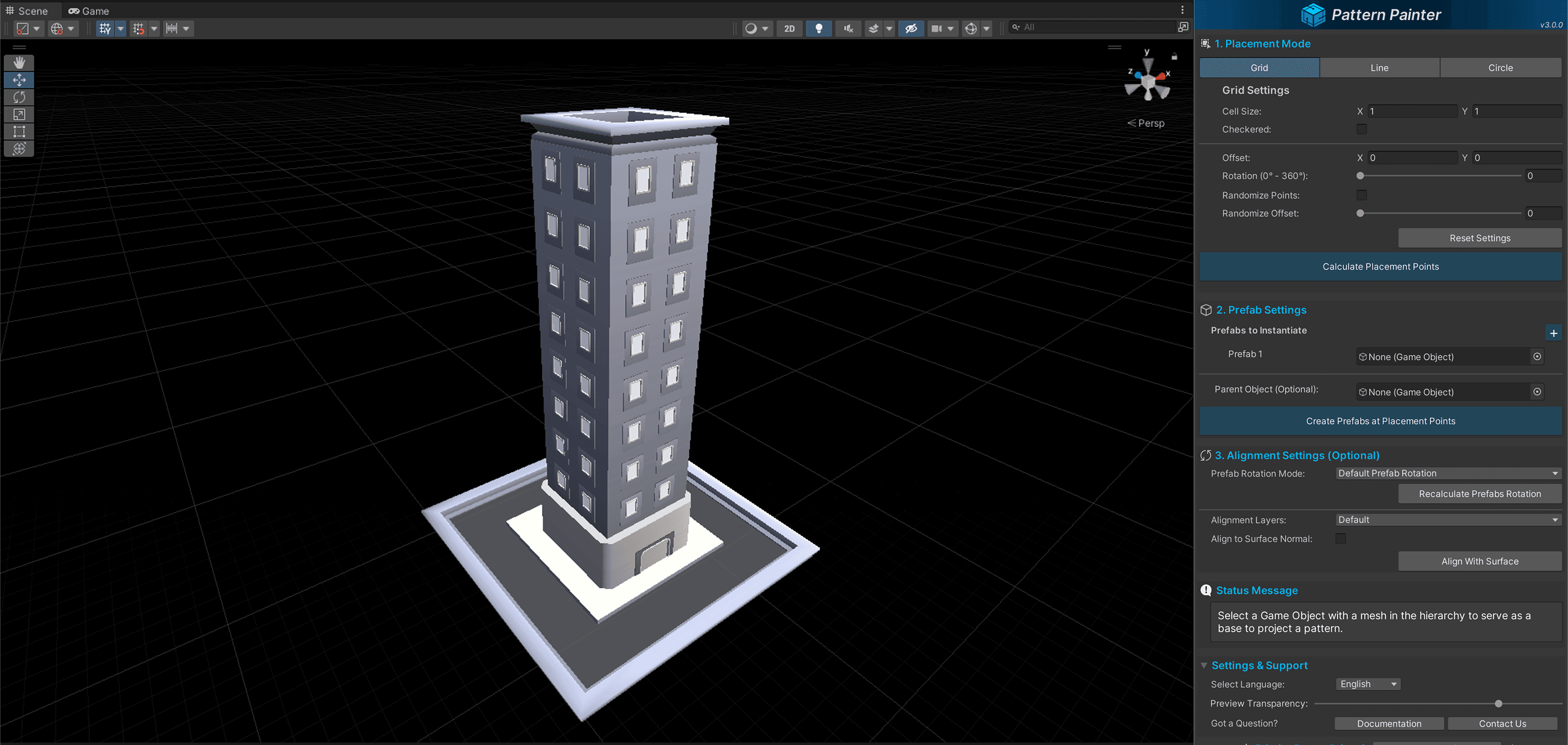
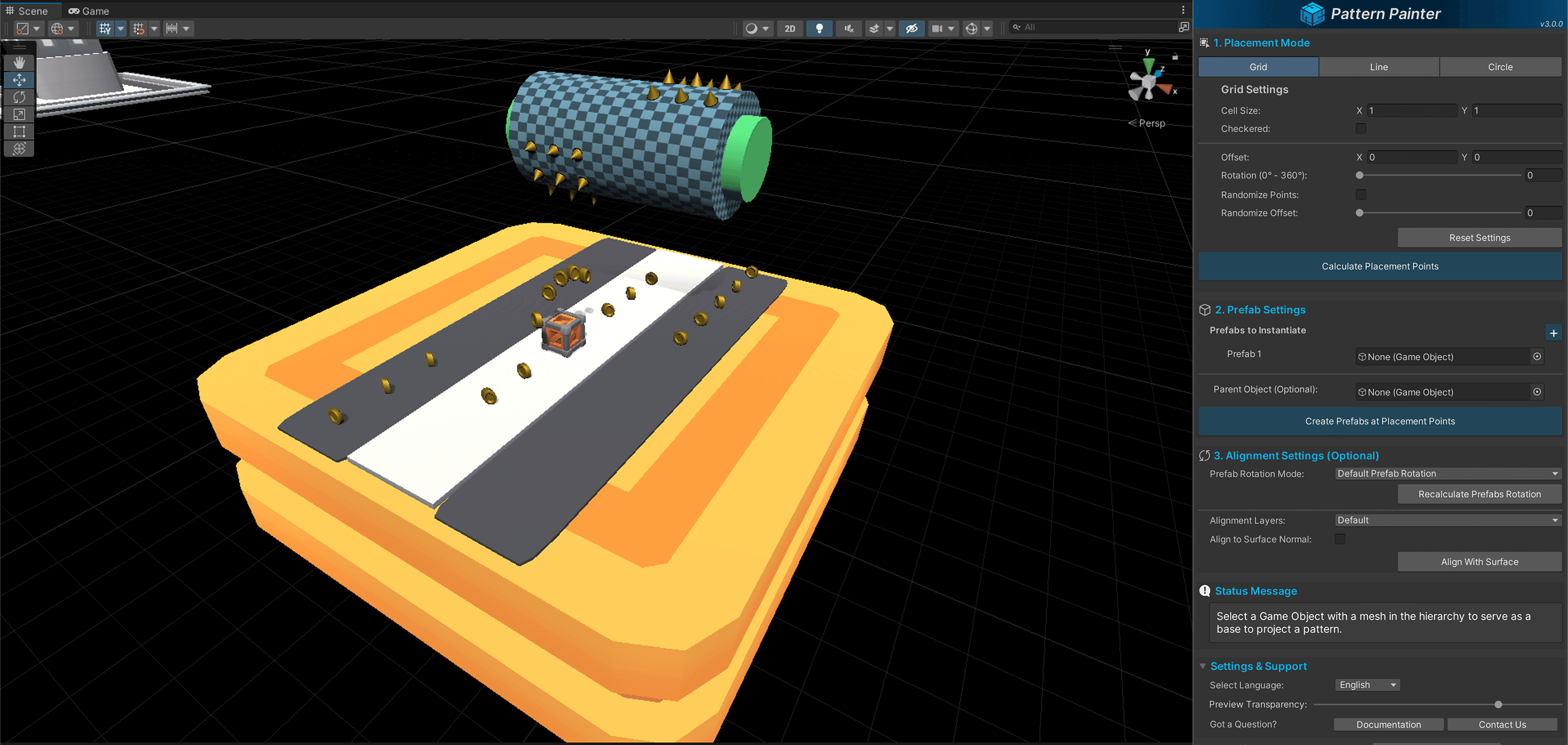
Whether you’re working on a platformer, an RPG, a strategy game, or any hand-crafted world, Pattern Painter helps you block out patterns, preview dense layouts, and create large prefab runs without turning iteration into scene-by-scene hand placement.